
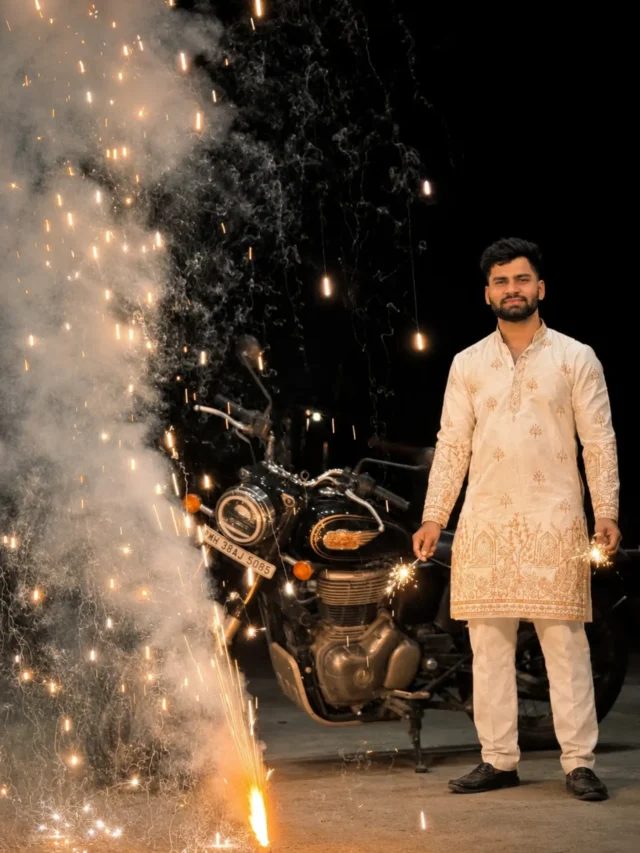
 ✦ New
Happy DiwaliChatGPT
AI Photo Editing PromptsGemini & ChatGPT
Copy, paste, and generate stunning images in seconds.
Browse by Style
Find the perfect look for your next photo.
All prompts
Newest first
✦ New
Happy DiwaliChatGPT
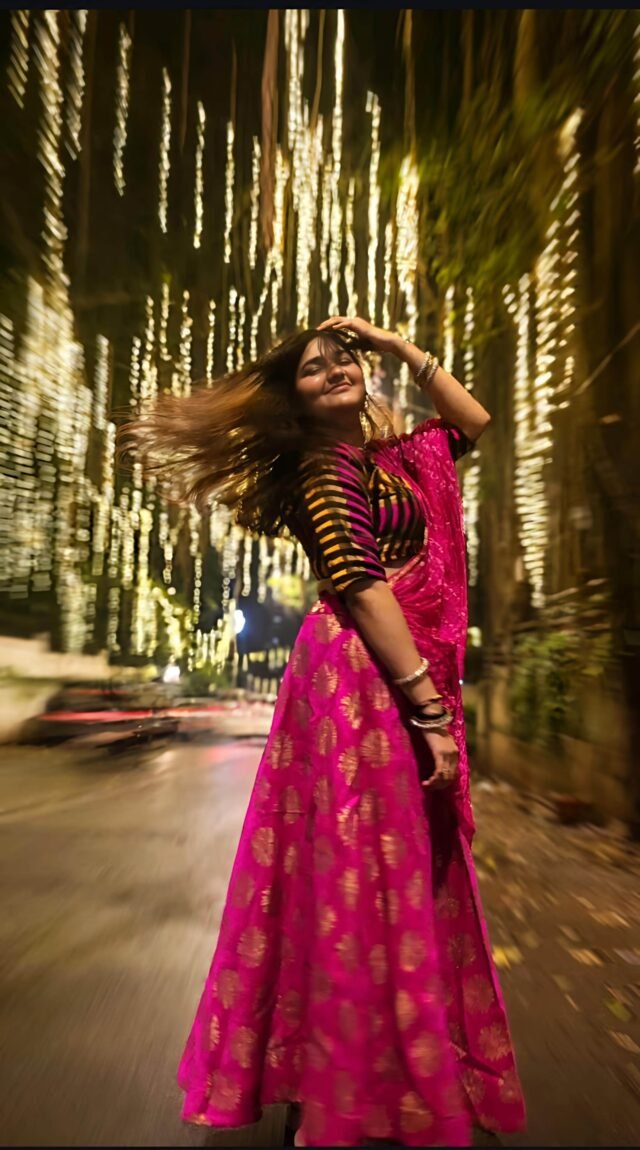 ✦ New
DiwaliChatGPT
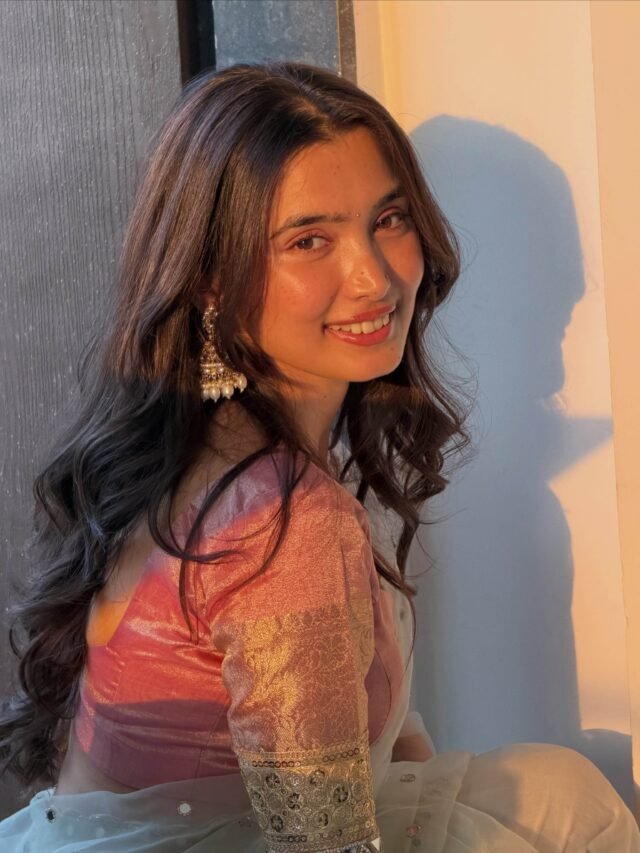 ✦ New
Diwali GlowChatGPT
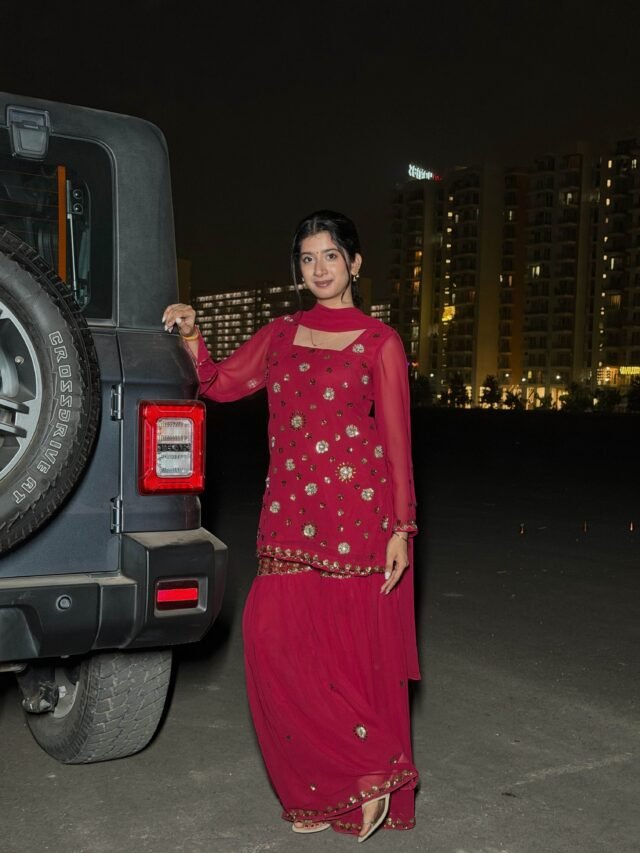 ✦ New
Nightout with TharChatGPT
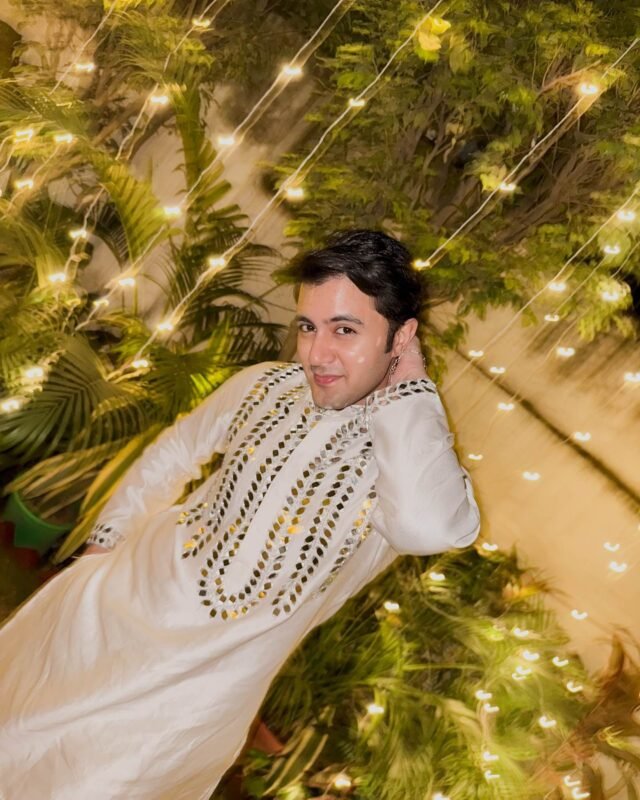 ✦ New
Diwali Night ShootChatGPT
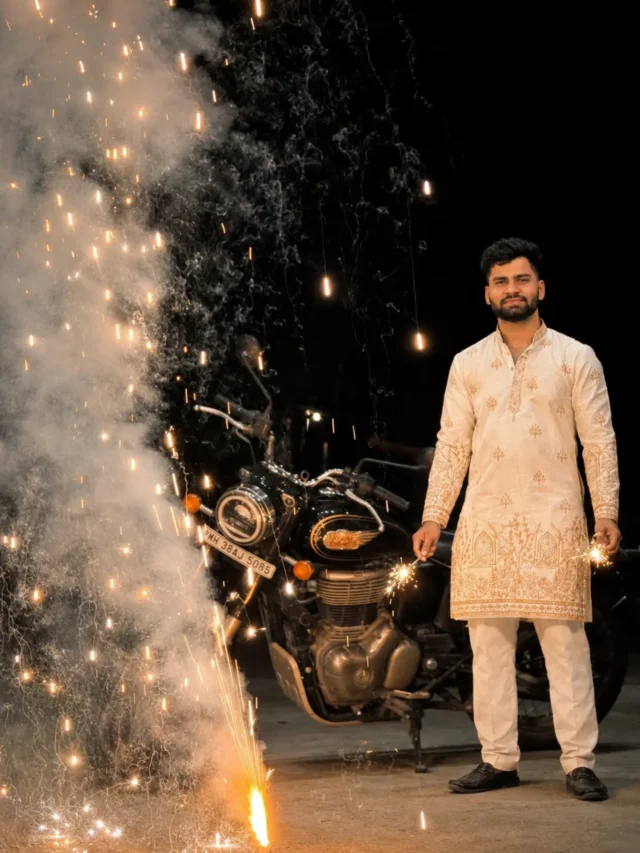 ✦ New
Diwali PortraitChatGPT
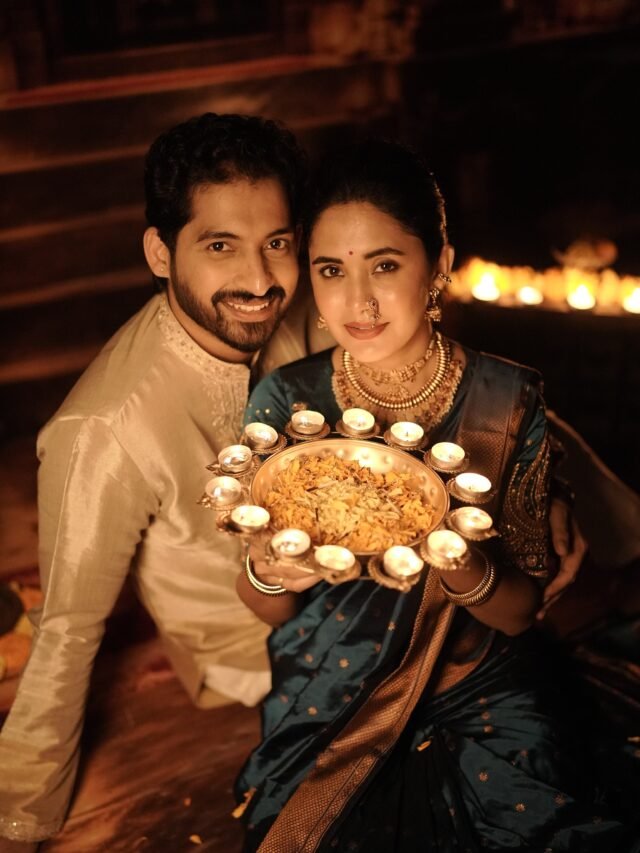 ✦ New
Diwali Couple PortraitChatGPT
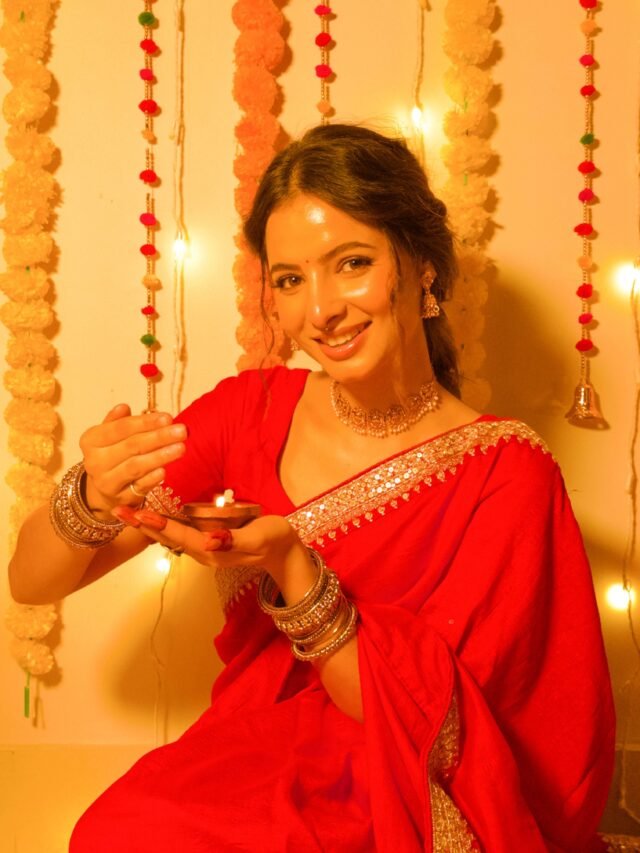 ✦ New
DiwaliChatGPT
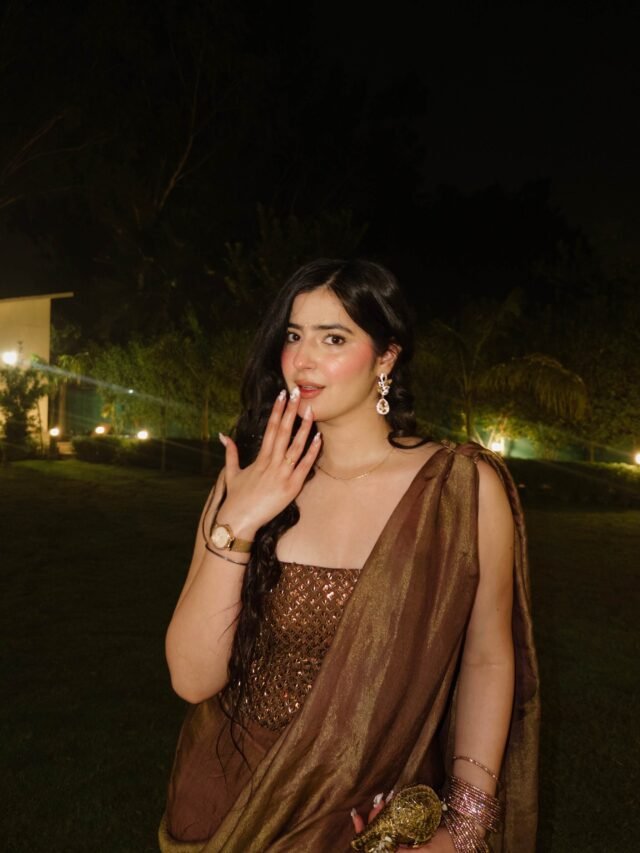 ✦ New
Diwali PortraitChatGPT
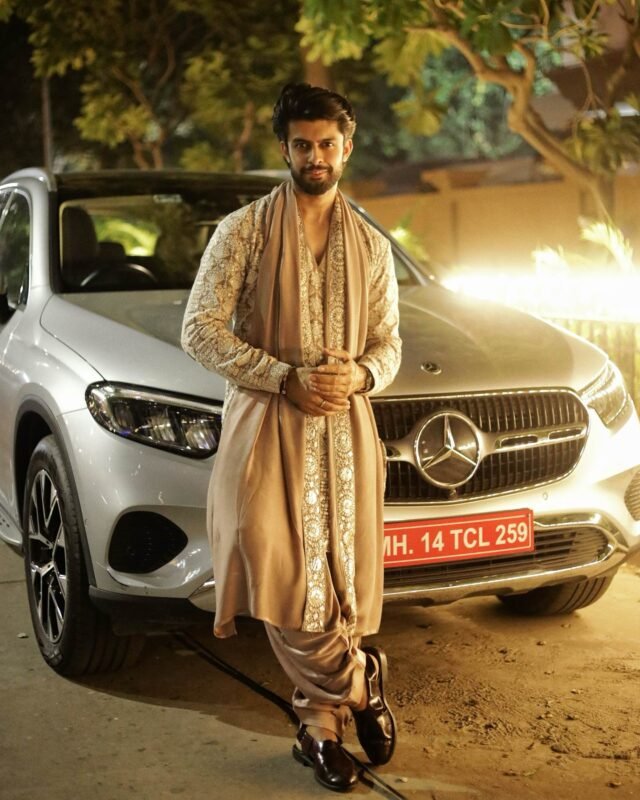 ✦ New
Diwali Car PoseChatGPT
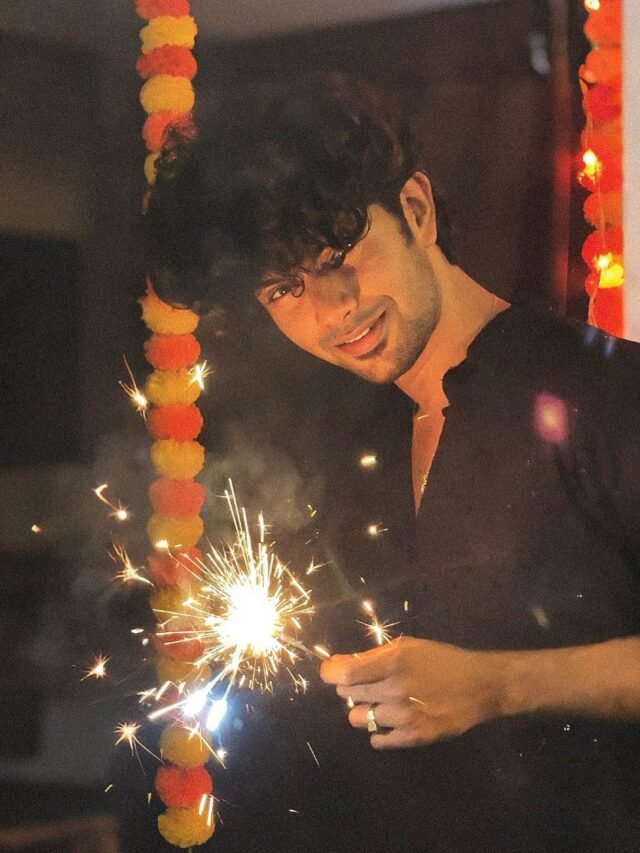 ✦ New
Diwali Stylish PoseChatGPT
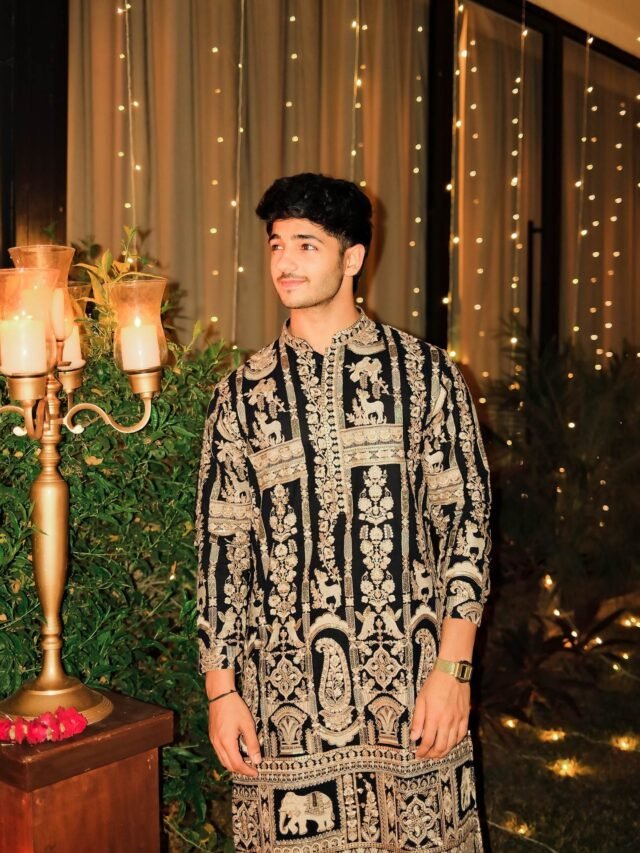 ✦ New
Diwali CelebrationChatGPT
What is OMAVI AI PROMPTS?
A library of copy-ready prompts for AI photo editing in ChatGPT and Gemini. Every prompt comes with an example image and the tool it was written for, so you can pick a style, copy the text and try it on your own photo.
How it works
1. Find a prompt
Browse the categories or search for a style, such as portraits, festivals or black and white.
2. Copy it
Open a prompt, check which tool it was written for, and press Copy prompt.
3. Paste and create
Upload your photo in ChatGPT or Gemini, paste the prompt and generate your image.
New to prompts? Read our guides for simple tips that improve your results.